Your emergency information. Available when it matters most.
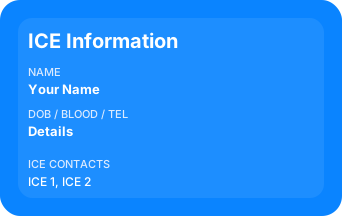
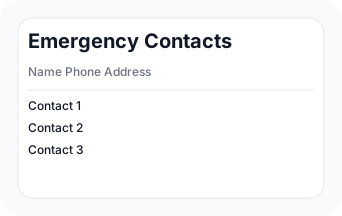
Create a personal ICE card with critical medical and contact information in under 2 minutes.
How it works
Set up your card in a few quick steps.
Real-life scenarios
Make sure first responders always have the right information.
Risk: Bystanders and responders may not know your medical needs.
How it helps: Your ICE card provides instant access to your critical info.
Risk: Emergency contacts and allergies are hidden.
How it helps: ICE card is always accessible, even if your phone isn't.
Risk: Responders may not know what to avoid.
How it helps: ICE card lists allergies and conditions clearly.
Why not just use your phone?
Phones can be locked, lost, or out of battery. Emergency responders need instant access to critical information.
An ICE card stays accessible even when your phone is not.
Select card type
Do you want to add peronal info, or only contacts
Live preview
Always visible while you edit your details.
Preview shows one card pair. Download prints 1 card.
Print Options
Your privacy and trust
Your data stays in your browser and is never shared.
What people say
Peace of mind for you and the people around you.
“This took me less than 2 minutes and gives peace of mind.”
—
“Great way to keep track of my contacts in case my phone dies”
—
“Simple, private, and free.”
—